Event: Fall 2010 @ FN Mfg (Columbia, SC)
Presenters: Leo Greene, e-Cognition
Leo’s presentation introduces the concept of driving complex machine motion using trajectory curves.
The video below is the result of the methods that Leo showed.
(322)

Event: Fall 2010 @ FN Mfg (Columbia, SC)
Presenters: Leo Greene, e-Cognition
Leo’s presentation introduces the concept of driving complex machine motion using trajectory curves.
The video below is the result of the methods that Leo showed.
(322)
Event: Fall 2016 @ Penske Racing
Presenters: Gavin B. Rumble, PE and Jarrod L. Nooe, mechanical engineers from Solid Engineering & Design
Click Here for the Presentation slides.
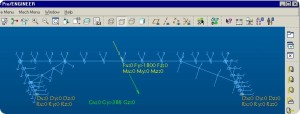
Our presentation introduces the concept of associative Beam Elements for quick early design stage analysis.
Click the image below to download a ZIP file containing the model files.
(234)
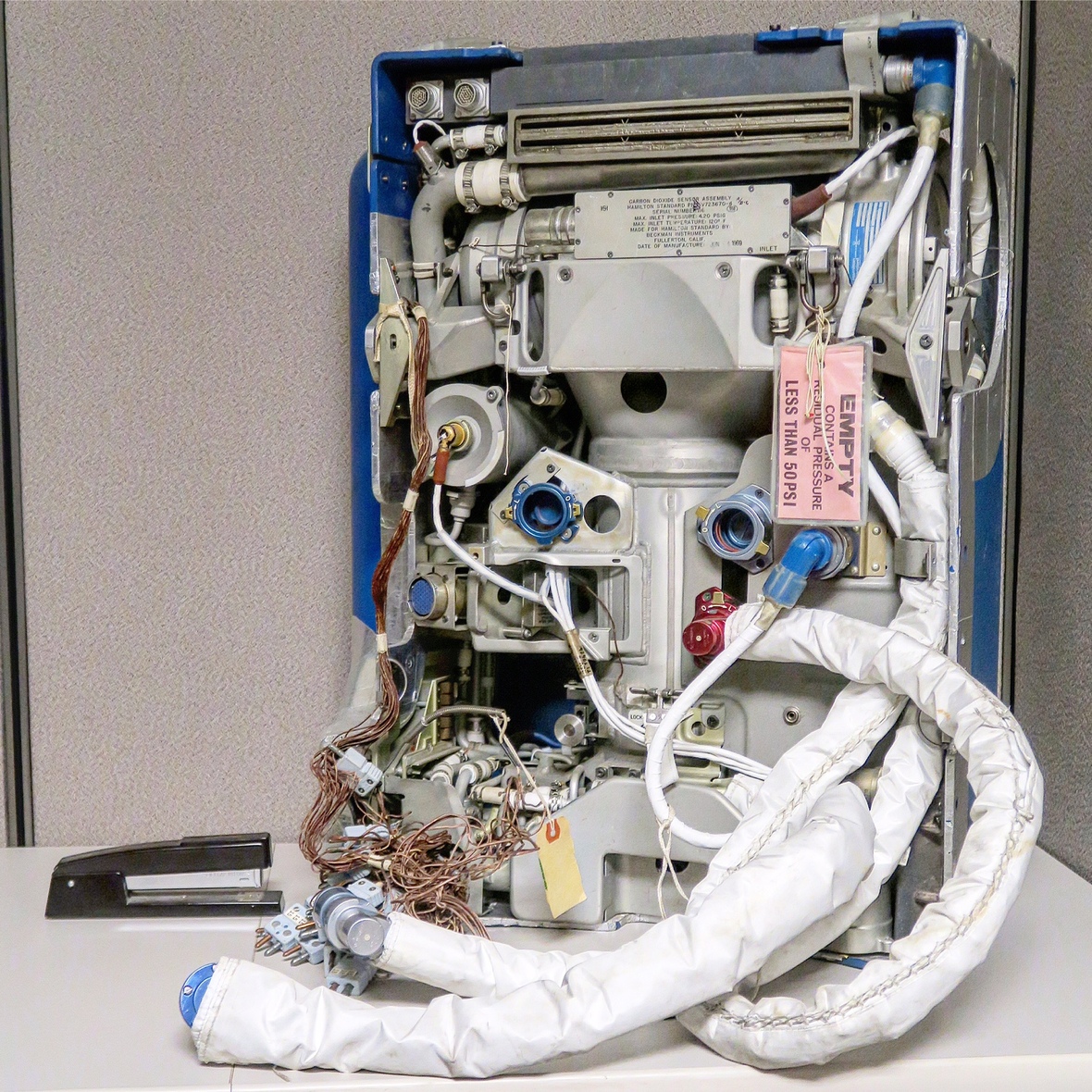
PLSS Portable Life Support System Overview PDF
(413)
Question:
Is there an easy way to have multiple config.pro files?
Greg Beard, IDE
Continue reading Multiple Config.pro Files
(2529)
Question:
How do you create templates for Simulate Result Windows?
Jarrod Nooe, Solid Engineering
Continue reading Is there a method to create templates for Simulate Results Windows?
(904)
Question:
Is there an auto-save feature in Creo?
Austin Hulings, FN America
Continue reading Auto-Save in Creo
(1578)
Question:
How do I create a parametric drawing note to show the number of members in a pattern?
David Hester, Davhes Inc.
Continue reading How to Display Pattern Member Note?
(932)
Question:
Does Creo have a weldment table/section like Solidworks? For example, a tube table of sizes that can be quickly assigned to construction lines and notched quickly.
Kyle Anderson, Britax Child Safety
Continue reading Creo Weldment Support
(532)
Question:
When working in sheet metal, you can set the k-factor for the entire model. However when bending a terminal contact, thinning (elongation) occurs. Can the k-factor be set in a varying factor?
Tim Bolt, Xdin
Continue reading Adjusting Sheet Metal Bend K-Factor By Bend
(579)
Question:
How do I automatically display the model name of an “added model” in a drawing view?
Josh McCormick, Britax Child Safety
Answered by: Gavin B. Rumble, PE
The first answer is that using existing functionality there is no way for this to be done automatically…ie, no check box will cause this to happen. That said, there is functionality to parametrically display a model name on the drawing. Continue reading How to Display Model Name in Drawing View
(3559)